Put the GPUParticles2D under your character. With local_coords off, the default, each particle stays where it was born, so the character leaves a trail of dust or sparks. With local_coords on, every particle already out moves with the character, for a glow or an aura that sticks to it.
The code
Attach this to a GPUParticles2D that is a child of your character, at its feet. The script makes a small square puff texture, so it runs as it is. The local_coords line is the fix.
extends GPUParticles2D
## A dust trail behind a moving 2D character. Add it as a child of the character, at its feet.
## local_coords off leaves each puff where it was made, so the dust stays behind.


func _ready() -> void:
	local_coords = false  # the fix: puffs stay where they were made (on = they move with the character)
	amount = 30
	lifetime = 0.8
	texture = make_puff()
	var m := ParticleProcessMaterial.new()
	m.direction = Vector3(0, -1, 0)
	m.spread = 40.0
	m.initial_velocity_min = 10.0
	m.initial_velocity_max = 30.0
	m.gravity = Vector3.ZERO
	process_material = m


func make_puff() -> Texture2D:
	var img := Image.create(10, 10, false, Image.FORMAT_RGBA8)
	img.fill(Color(0.8, 0.75, 0.65))
	return ImageTexture.create_from_image(img)
What we measured
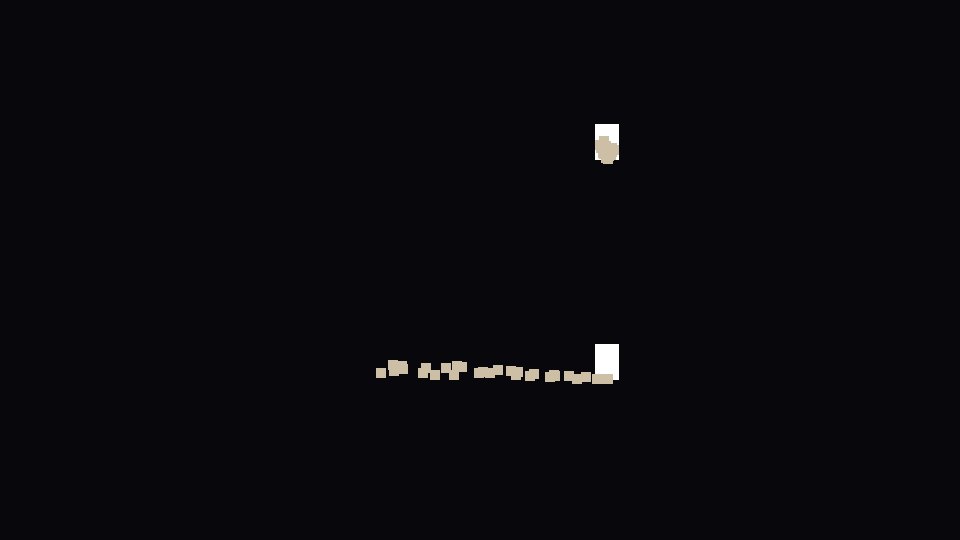
The character moved right at 300 pixels per second for 1 second. Then we measured where the lit pixels were, in pixels from the character (minus is behind it). Two runs gave close numbers.
- The script, Local Coords off: from 226 to 231 pixels behind up to 4 or 5 pixels in front. A trail as long as the distance covered in one lifetime of 0.8 seconds.
- Local Coords on: from 14 to 17 pixels behind to 11 to 14 pixels in front. A small cloud that moved with the character.
- A new GPUParticles2D had
local_coordsoff.
What to change
lifetime: how long the trail is. Longer life, longer trail.amount: how thick it is.- The texture and its color: dust, sparks or water.
The 3D version, with dust that starts and stops with running: running dust particles. Sparks that keep part of the speed: inherit velocity from a moving emitter. 2D particles that land on the floor: GPUParticles2D collision.
Tested in Godot 4.7 with the Compatibility renderer.
More how-tos: Play, stop and remove effects
- Remove a one-shot particle effect when it ends
- Fade out and stop looping particles
- Spawn a hit effect facing the surface
- Hit sparks from a pool of emitters
- Changing one particle effect's color changes all of them
- Particles that play the same way every time
- Freeze particles in mid-air
- Running dust and landing puffs
- Particles left behind by a moving object
- Footstep particles that match the ground
- A level up effect that plays while paused
- Hide particle effects far from the camera
- Death particles disappear when the enemy is freed
- Remove all particles at once