A material set in the Inspector is saved once in the scene, and every copy you place or instantiate() uses that same material. Change color on one copy's process_material and every copy changes. Give each copy its own: process_material = process_material.duplicate() in _ready(), or tick Local to Scene on the material in the Inspector.
The code
Attach this to the GPUParticles3D in the scene you place many times, then call set_color() on any copy. The line in _ready() is the fix. The color only shows if the draw material has Vertex Color, Use as Albedo on: particle color not working.
extends GPUParticles3D
## Attach to the GPUParticles3D of a scene you place many times, such as hit sparks,
## to recolor one copy without recoloring the others. A process material set in the
## Inspector is shared by every copy of the scene until each copy makes its own.


func _ready() -> void:
	process_material = process_material.duplicate()  # the fix: this copy gets its own material


func set_color(c: Color) -> void:
	# shows only if the draw material has Vertex Color, Use as Albedo on
	(process_material as ParticleProcessMaterial).color = c
What we measured
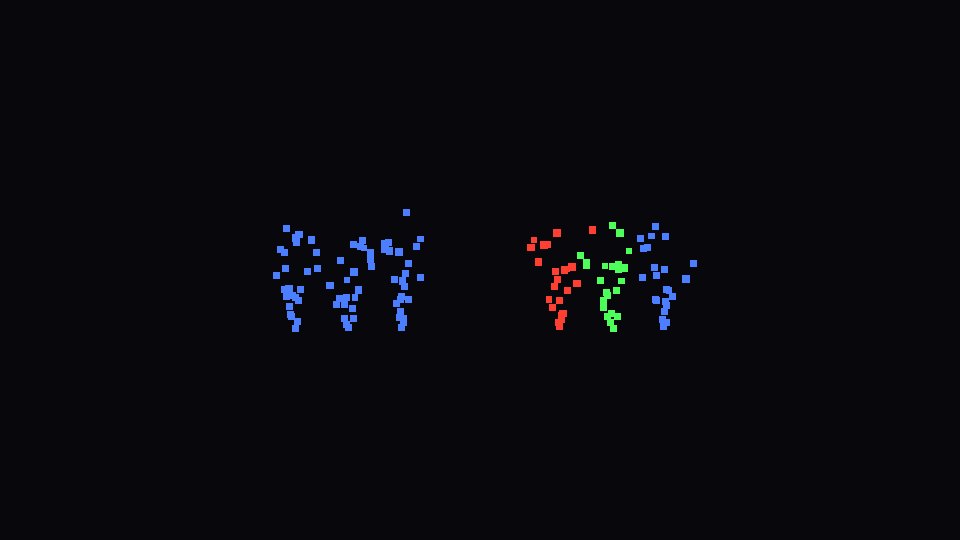
We packed one emitter with its materials into a scene, made two copies side by side, changed the color of the left one to red (1.00/0.20/0.10) and read the color of both. Two runs gave the same result.
- The material as it is: the two copies had the very same process material, and both turned red, 1.00/0.20/0.09.
- The script: two different materials. The left copy was red, the right one stayed white, 1.00/1.00/1.00.
- Local to Scene ticked on the material, no script: also two different materials, red on the left and white on the right.
Script or Local to Scene
Both gave each copy its own material in our test. Local to Scene is a checkbox and no code, but it is easy to miss when you make a new material. The script keeps working whatever material you put in the scene.
What to change
set_color(): set more than the color the same way, such asinitial_velocity_maxfor a bigger hit.- The draw material: duplicate it the same way if you change its texture or color per copy.
Effects at the point of a hit: spawn a hit effect at the impact point. Many hits at once: hit sparks from an emitter pool.
Tested in Godot 4.7 with the Compatibility renderer.
More how-tos: Play, stop and remove effects
- Remove a one-shot particle effect when it ends
- Fade out and stop looping particles
- Spawn a hit effect facing the surface
- Hit sparks from a pool of emitters
- Particles that play the same way every time
- Freeze particles in mid-air
- Running dust and landing puffs
- Particles left behind by a moving object
- 2D particles follow the player or stay behind
- Footstep particles that match the ground
- A level up effect that plays while paused
- Hide particle effects far from the camera
- Death particles disappear when the enemy is freed
- Remove all particles at once