Check draw_pass_1 first: with no mesh there, Godot draws nothing. Then check emitting, the mesh size and visibility_aabb. A missing process material is different: you still see a spot, but it never moves.
Start from a script that works
Put this on a Node3D in a new scene, with a Camera3D pointed at it. If you see particles, your camera and project are fine and the problem is in the settings of your effect.
extends Node3D
## The smallest effect that always shows: attach to a Node3D and run.

func _ready() -> void:
	var fx := GPUParticles3D.new()
	add_child(fx)

	var process := ParticleProcessMaterial.new()
	process.direction = Vector3.UP
	process.spread = 25.0
	process.initial_velocity_min = 1.0
	process.initial_velocity_max = 2.0
	process.gravity = Vector3.ZERO
	fx.process_material = process

	var mat := StandardMaterial3D.new()
	mat.shading_mode = BaseMaterial3D.SHADING_MODE_UNSHADED
	mat.billboard_mode = BaseMaterial3D.BILLBOARD_PARTICLES
	mat.vertex_color_use_as_albedo = true
	mat.albedo_color = Color(1.0, 0.7, 0.3)

	var quad := QuadMesh.new()
	quad.size = Vector2(0.2, 0.2)
	quad.material = mat
	fx.draw_pass_1 = quad
No mesh in Draw Passes
With draw_pass_1 empty, nothing was drawn at all. In the inspector, open Draw Passes and set Pass 1 to a new QuadMesh. To make the particles face the camera, give that mesh a material with Billboard Mode set to Particle Billboard, as the script above does.
No process material
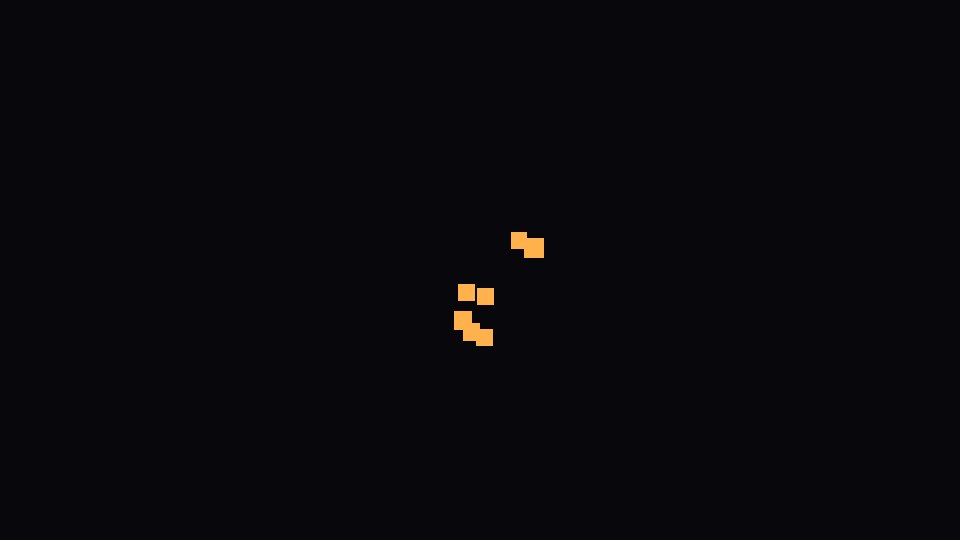
Without one, the particles did not move. They stayed stacked at the position of the node, which looks like one small square. In the inspector, set Process Material to a new ParticleProcessMaterial.
Emitting is off, or a one-shot already played
With emitting off, nothing was drawn. A one-shot effect turns emitting off by itself, and once its particles ended the scene was empty again. Call restart() to play it again.
Mesh too small or lifetime too short
A 0.005 unit quad seen from 6 units away was almost invisible. With lifetime at 0.02 seconds, the particles ended right after they spawned, so only a small spot showed near the node.
Visibility box in the wrong place
visibility_aabb is the box Godot uses to decide if the effect is on screen. We moved it far from the emitter and nothing was drawn, even with the emitter in plain view. An effect that travels far from its node can vanish the same way when the box leaves the screen.
Make the box bigger: fx.visibility_aabb = AABB(Vector3(-10, -10, -10), Vector3(20, 20, 20)). The GPUParticles3D menu above the 3D viewport can also generate a box for you.
Tested in Godot 4.7 with the Compatibility renderer.
Want ready-made effects? Try the free Arcane VFX pack or the VFX Collection for Godot 4.